
Partner Onboarding
Follow these four steps to start earning referral commissions from TronZap energy orders.
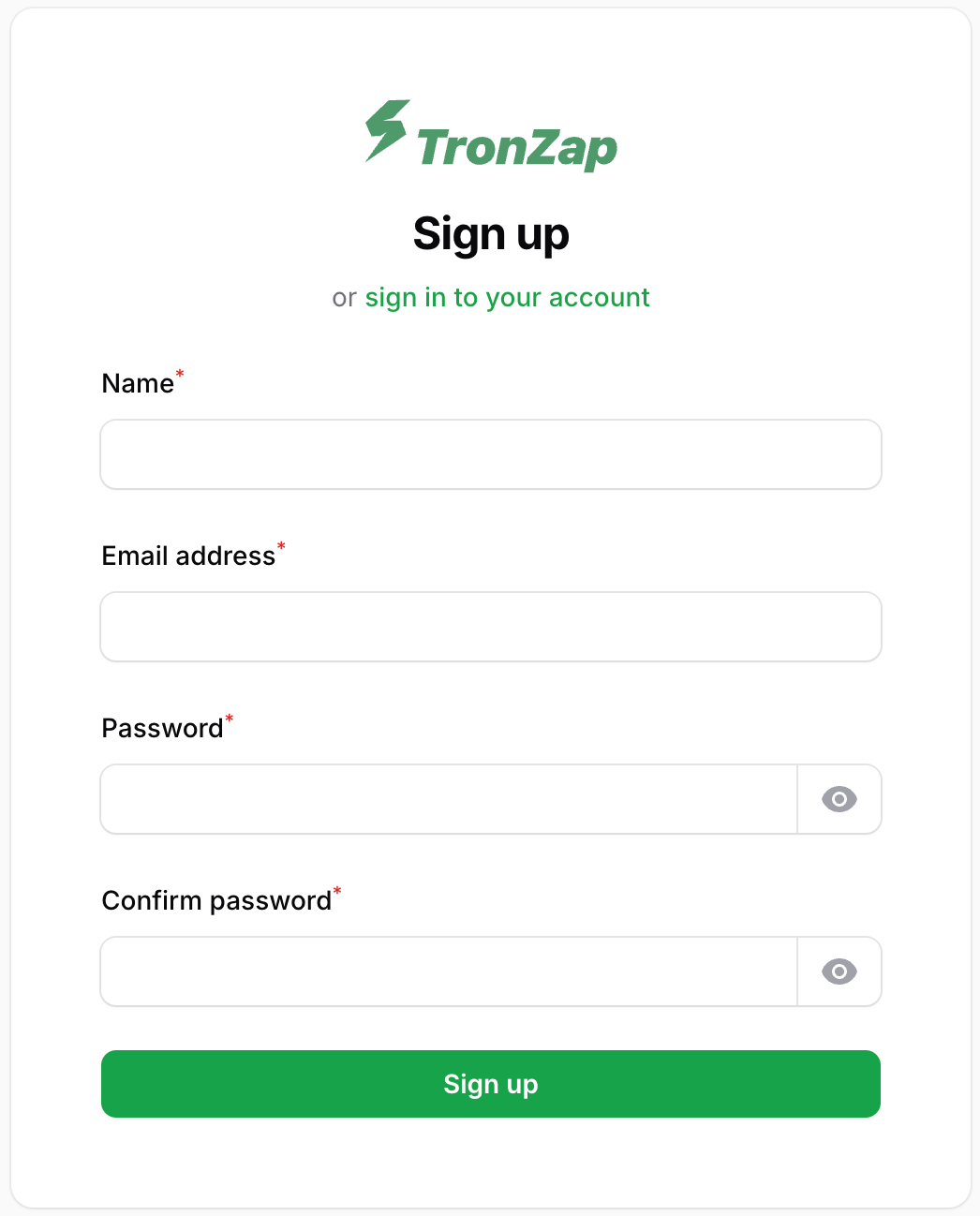
Step 1 — Create a dashboard account
Go to dash.tronzap.com/register and sign up with your email and password.
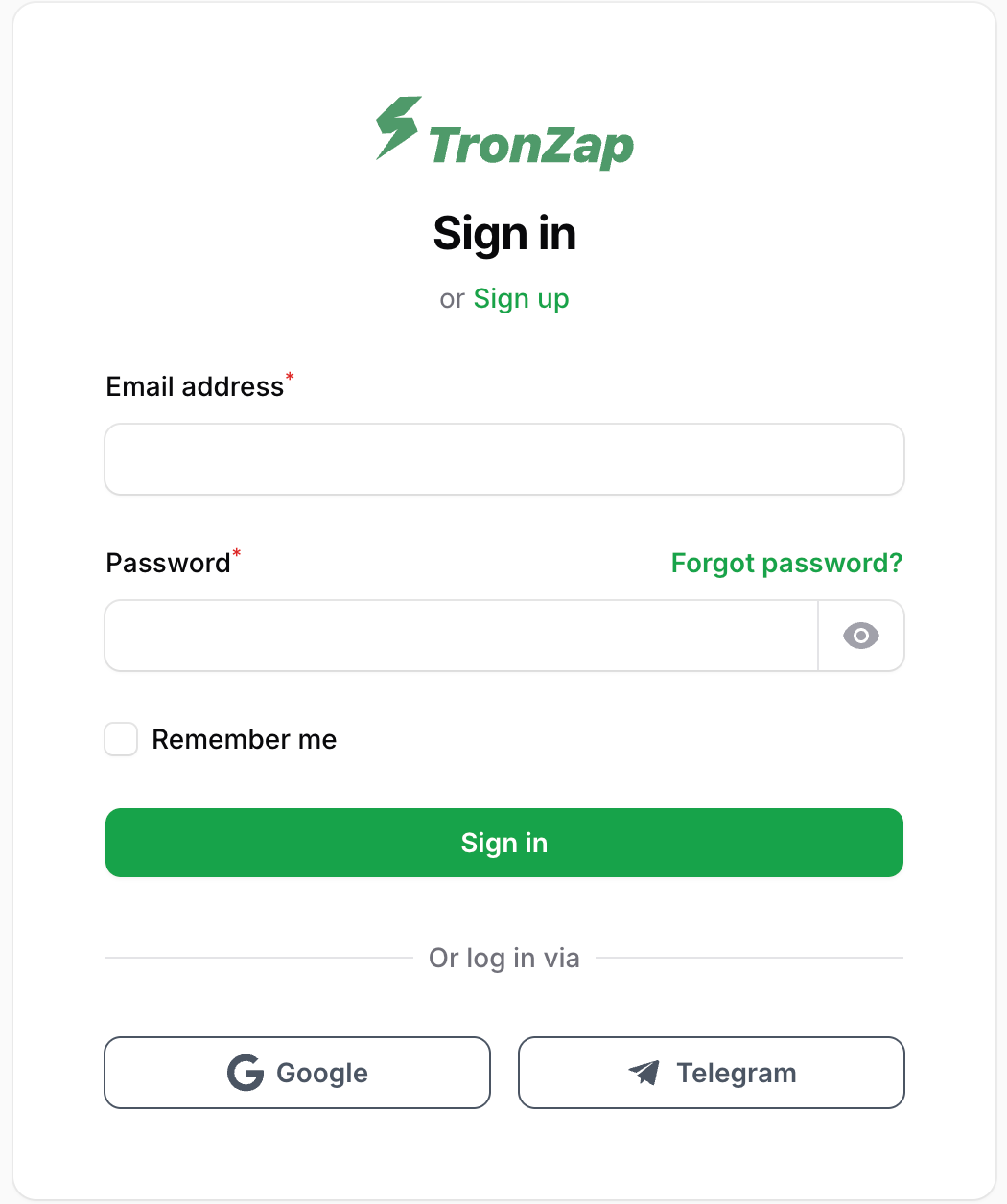
Step 2 — Or sign in with Google / Telegram
Already have a Google or Telegram account? Use dash.tronzap.com/login — a new TronZap account is created automatically on first social login.
Step 3 — Set your referral code
Go to dash.tronzap.com/referral-earnings and choose your referral code.
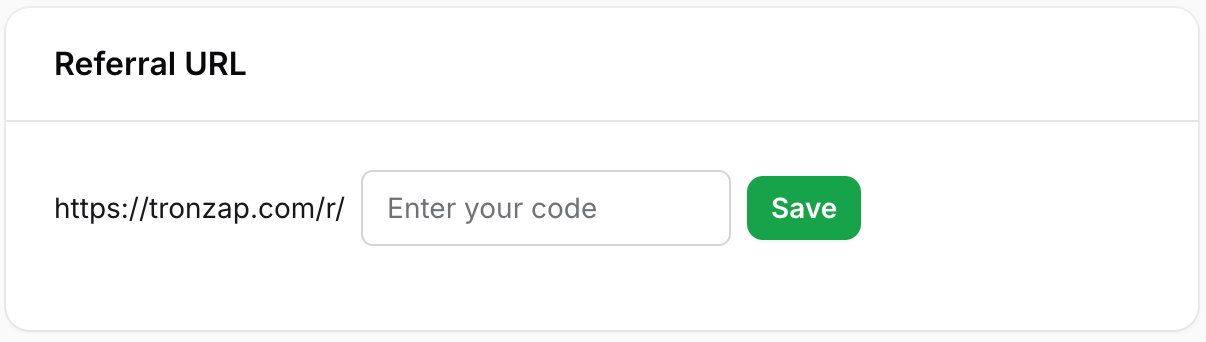
Choose carefully — this identifier cannot be changed after it is set.
Step 4 — Use the code in every API request
referral_code is required for commission
You must pass referral_code in the body of every POST /v1/orders call. If the field is missing or empty, TronZap cannot attribute the order to your account and no commission is earned.
bash
curl -X POST https://api.tronzap.com/v1/orders \
  -H "Content-Type: application/json" \
  -H "Accept: application/json" \
  -d '{
    "referral_code": "YOUR_CODE",
    "address_from": "TKzxdSv2FZKQrEqkKVgp5DcwEXBEKMg2Ax",
    "address_to":   "TR7NHqjeKQxGTCi8q8ZY4pL8otSzgjLj6t",
    "resources": {
      "duration": 1,
      "energy": 65000
    }
  }'
Replace YOUR_CODE with the referral code you set in the dashboard.
Next steps
- Read the full Orders API Overview to understand request/response formats.
- Learn how to Create an Order and get a deposit address for your user.
- Use Calculate Price to show users the cost before they commit to a deposit.